
Access Control Mastery: How IST Customers Secure Arizona Facilities
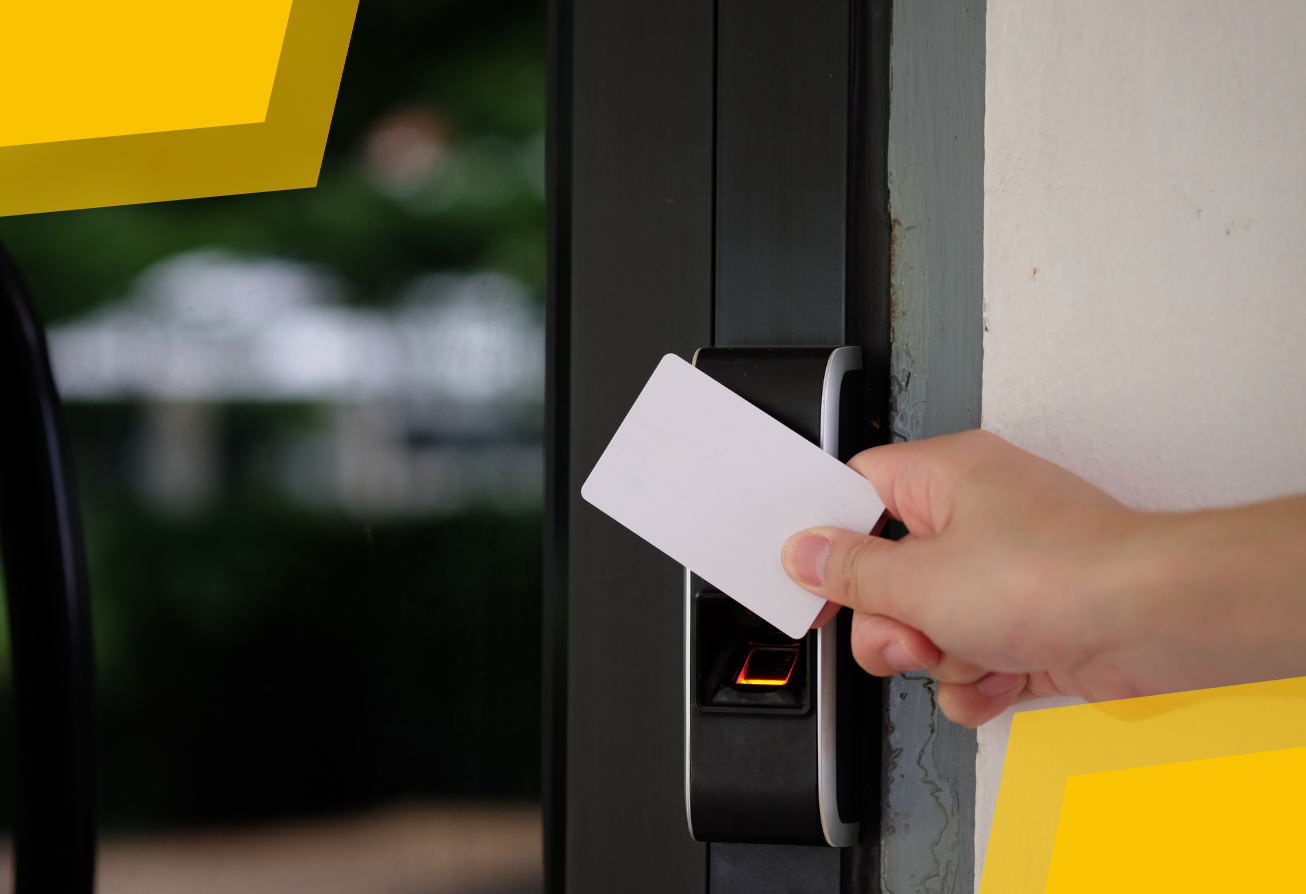
Access control is more than a locked door—it’s the silent engine behind secure, efficient, and compliant facilities across Arizona. Whether you manage a school, medical office, corporate campus, or multi-tenant property, your IST system is designed to adapt, scale, and protect your organization. Here’s how to maximize its value, stay audit-ready, and keep your people and assets safe.
What Is Access Control and How Does It Work?
Access control is the technology that decides who enters, when, and where—using credentials like cards, fobs, mobile apps, or biometrics. Unlike keys, which can be lost or copied, electronic access control is flexible, auditable, and easily updated.
How it works:
- Authentication: A user presents a credential at a reader.
- Authorization: The system checks permissions—based on role, schedule, or location.
- Access Grant or Denial: If approved, the door unlocks. If not, the attempt is logged.
- Monitoring: Every event is recorded, with real-time alerts for forced doors or unauthorized attempts.
Core Components:
Component |
Function |
|
Credential (Card, App) |
Identifies the user |
|
Reader |
Reads the credential and sends data to the controller |
|
Access Control Panel |
Processes requests, checks permissions, and triggers actions |
|
Electronic Lock |
Secures or releases the door/barrier |
|
Management Software |
Administers users, schedules, and reporting |
Where Can You Use Access Control? (Applications Across Industries)
Commercial access control applications are endless and useful anywhere controlling and tracking access would be beneficial, no matter the size of the business or organization.
- Corporate & Multi-Tenant Offices: Manage staff, visitor, and vendor access across multiple locations. Automate onboarding/offboarding and integrate with video surveillance.
- Healthcare: Protect patient data, restrict access to medication storage, and meet HIPAA audit requirements.
- Education: Secure entrances, classrooms, and labs. Enable lockdowns and role-based access for staff and students.
- Property Management: Give tenants independent control, automate maintenance schedules, and manage deliveries.
- Manufacturing & Warehousing: Limit access to hazardous zones, track shift changes, and protect inventory.
- Retail & Hospitality: Secure back-of-house, monitor high-value areas, and streamline staff scheduling.
Access Control Glossary: Demystifying the Jargon
Access Credential:
A physical or digital item (card, fob, mobile app, biometric) used to identify and authenticate a user.
Access Control Panel:
The hardware “brain” that processes access requests and triggers locks.
Anti-Passback:
Prevents a credential from being reused to re-enter an area without first exiting, stopping “pass-back” abuse.
Audit Trail:
A complete, time-stamped record of all access events—essential for compliance and investigations.
Biometric Authentication:
Uses unique physical traits (fingerprint, face, iris) to verify identity.
Door Forced/Open Alarm:
An alert is triggered when a door is opened without proper authorization or remains open too long.
Two-Factor Authentication (2FA):
Requires two types of credentials (e.g., card + PIN) for added security.
Role-Based Access:
Assigns permissions based on job function or department.
Tailgating:
When an unauthorized person follows an authorized user through a secure door.
Time Zone Scheduling:
Limits access to specific hours or days for users or groups.
Arizona Access Control Compliance Checklist
Stay audit-ready and compliant with this local checklist.
- All entry points are secured with electronic access control.
- Audit logs are reviewed and stored securely for at least two years.
- Credentials are deactivated immediately upon employee departure or role change.
- System tested and maintained at least quarterly, with records of service.
- ADA-compliant hardware (automatic door openers, accessible readers) installed where required.
- Access control system integrated with local fire alarm for emergency egress.
- Visitor management procedures are documented and enforced.
- Staff trained on emergency lockdown and evacuation procedures.
- Data privacy policies are in place for access logs and video integration.
- System settings are reviewed annually for compliance with Arizona fire, building, and privacy codes.
Tips for Getting the Most from Your IST System
- Schedule regular system reviews with IST to keep permissions up to date.
- Use role-based templates for faster onboarding and offboarding.
- Integrate video surveillance for instant verification of access events.
- Activate mobile credentials for touchless, convenient entry.
- Automate reports for compliance audits and management reviews.
- Train staff on emergency features—lockdowns, alerts, and evacuation protocols.
Ready to optimize your access control system? Contact IST at (800) 760-4034 for a complimentary system review or to download your Arizona compliance checklist. Our team is here to help you stay secure, compliant, and confident—no matter your industry or facility size. Thank you for choosing IST as your trusted security partner.